


Resco Power Components for Microsoft Power Platform & Dynamics 365
Scheduler
Use this PCF control to easily manage team members or other resources on a drag-and-drop scheduling board.
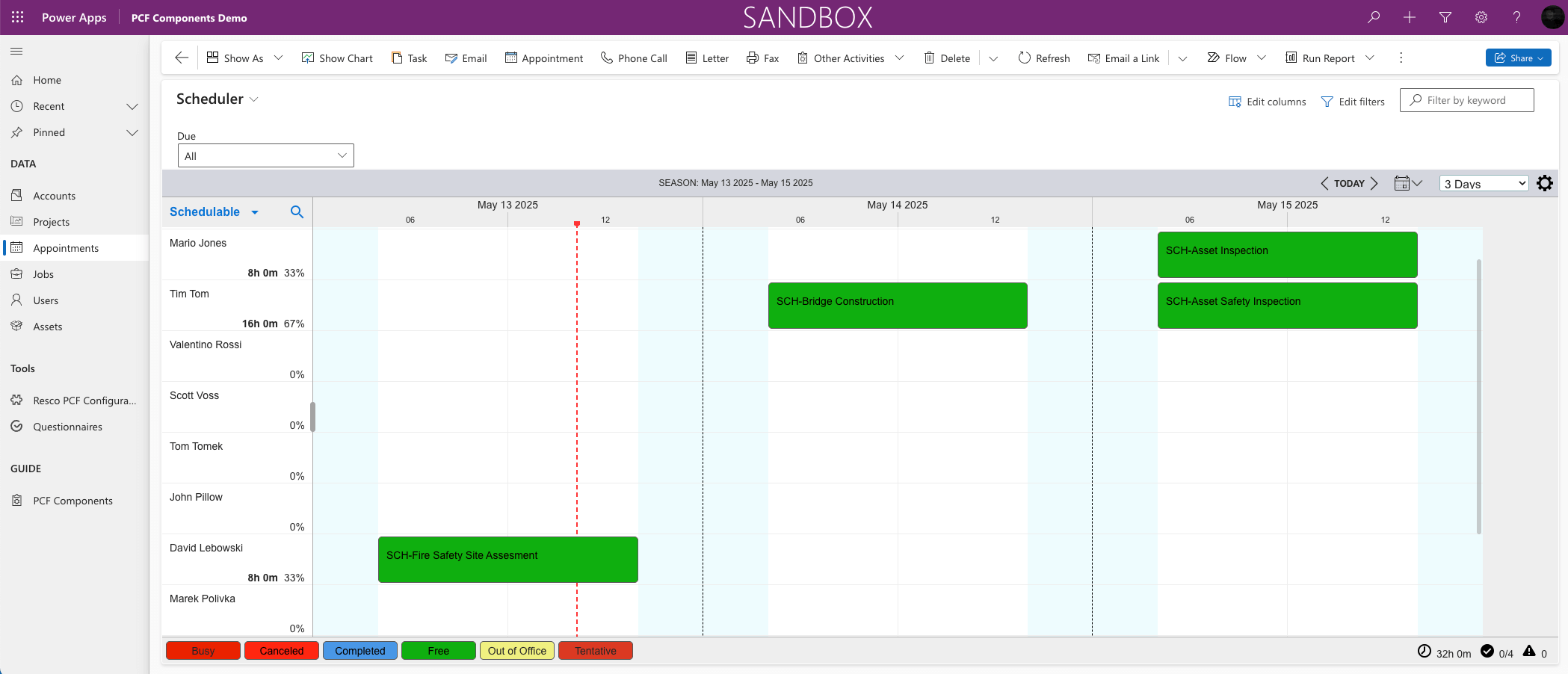
It has three parts: The left pane displays a list of resources, the center pane is a timetable where you schedule activities (meetings, inspections, repairs, work orders, phone calls), and the right pane lists sources, such as work orders or accounts. Works best on larger screens.
Scheduler also lets you view a list of available resources, display a history of completed tasks, filter by skill or territory, and more. Launch it in your browser as a web app from Microsoft Power Platform.
Tip: Download the Scheduler Configurator to simplify setup.

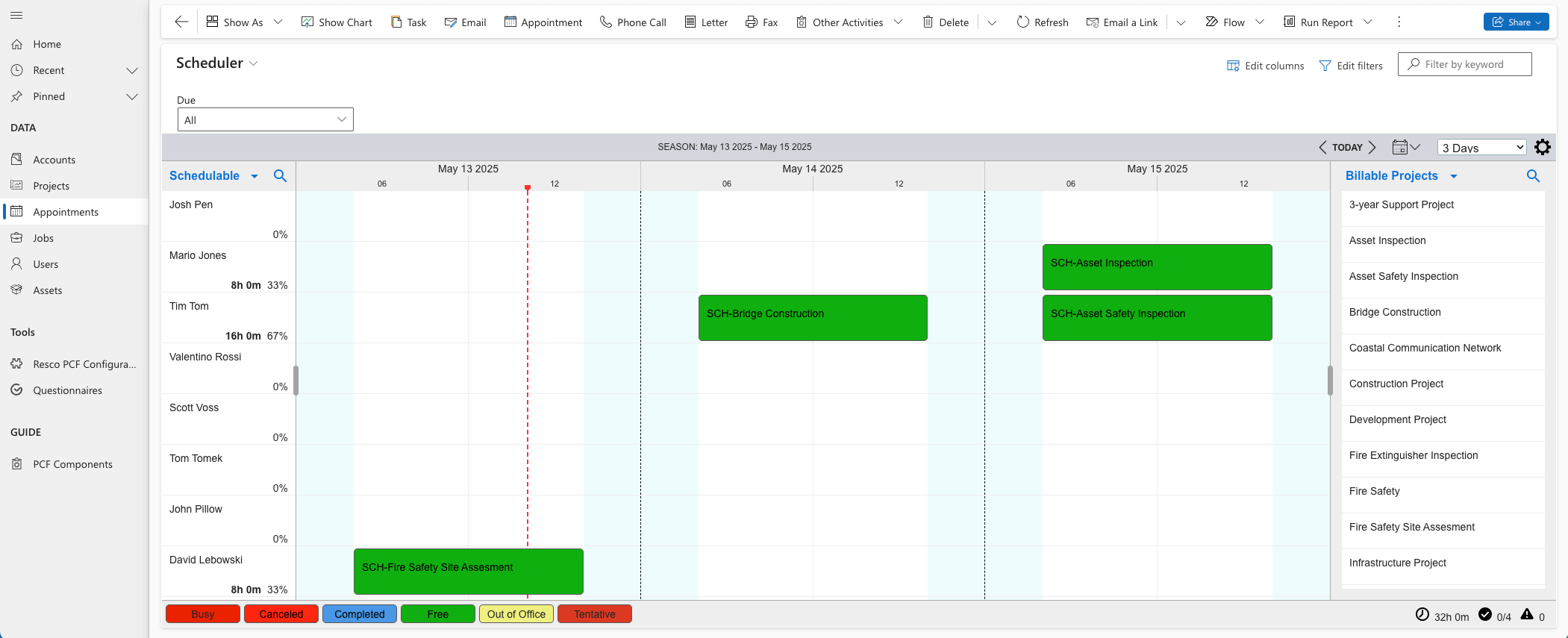
Scenario: A company of field technicians needs to schedule regular maintenance visits and repairs.
Field service management
Track and schedule regular maintenance visits, inspections, reports, or emails and phone calls on a visual timeline. Assign resources (field technicians) to each new task based on location, skills and availability. View a list of completed tasks and track the time spent on each job.
Scenario: In-home care company needs to schedule visits, appointments and status reports for their elderly clients.
Healthcare
Set up home visits, transportation to doctor’s appointments, prescription pick-ups, regular status reports and assessments as custom tasks on the timeline. Assign resources (healthcare workers) to each task based on location, skills, and availability.
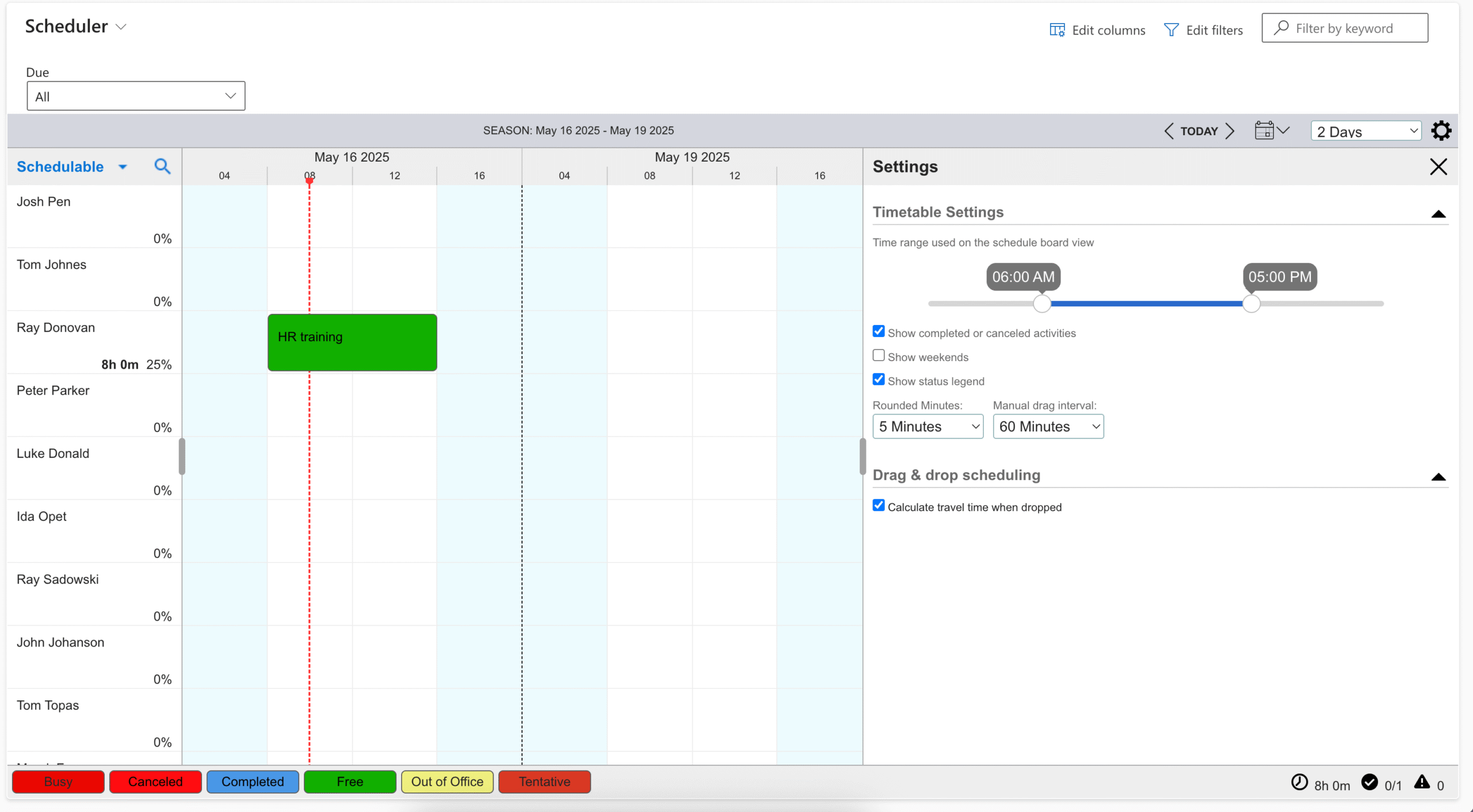
Scenario: The HR coordinator needs to set up the onboarding process for new hires across multiple locations.
Onboarding employees
Set up introductory meetings, on-site orientation visits, online training with feedback questionnaires, and the completion of all required paperwork with email reminders for new employees.
Scenario: A staffing company needs to manage the assignments for the IT consultants they have on staff.
IT staffing company
Use the Scheduler PCF control to assign consultants to project timelines directly on a visual board. List available consultants on the left pane, display scheduled projects on the central timetable. The right pane can show upcoming project requests from clients.
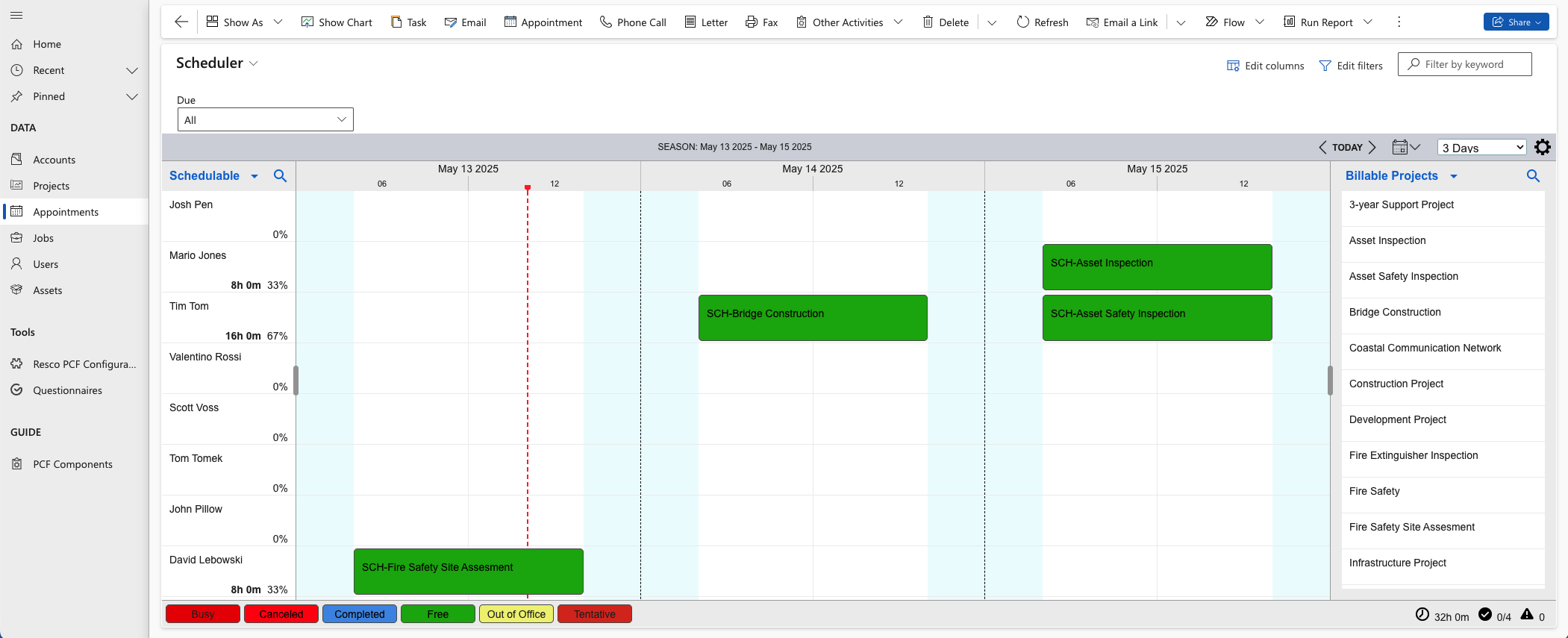
Scenario: Team leader needs to assign tasks to team members to handle project delivery and manage their workload
Project Management
Use the Scheduler to coordinate daily task assignments and monitor capacity. Display team members in the left pane, with a central scheduling board that shows each person’s task calendar. Filter by skill set and availability to match the right person to each task. Historical data provides an overview of completed tasks. The visual interface simplifies planning and enables real-time adjustments.
Scenario: Production planner needs to design a production workflow of machines on a regular basis and make sure they have no overlap or idle time.
Manufacturing
Use the Scheduler PCF control to design and manage machine workflows. The left pane can list all available machines grouped by type or production line. The central scheduling board allows the planner to visually arrange jobs across time slots, ensuring each machine is fully ulitized without overlap or idle time. The planner can view historical machine usage, filter by capacity or maintenance status, and adjust workflows as priorities shift.